Craft CMS vs WordPress: The Ultimate Comparison for Website Builders
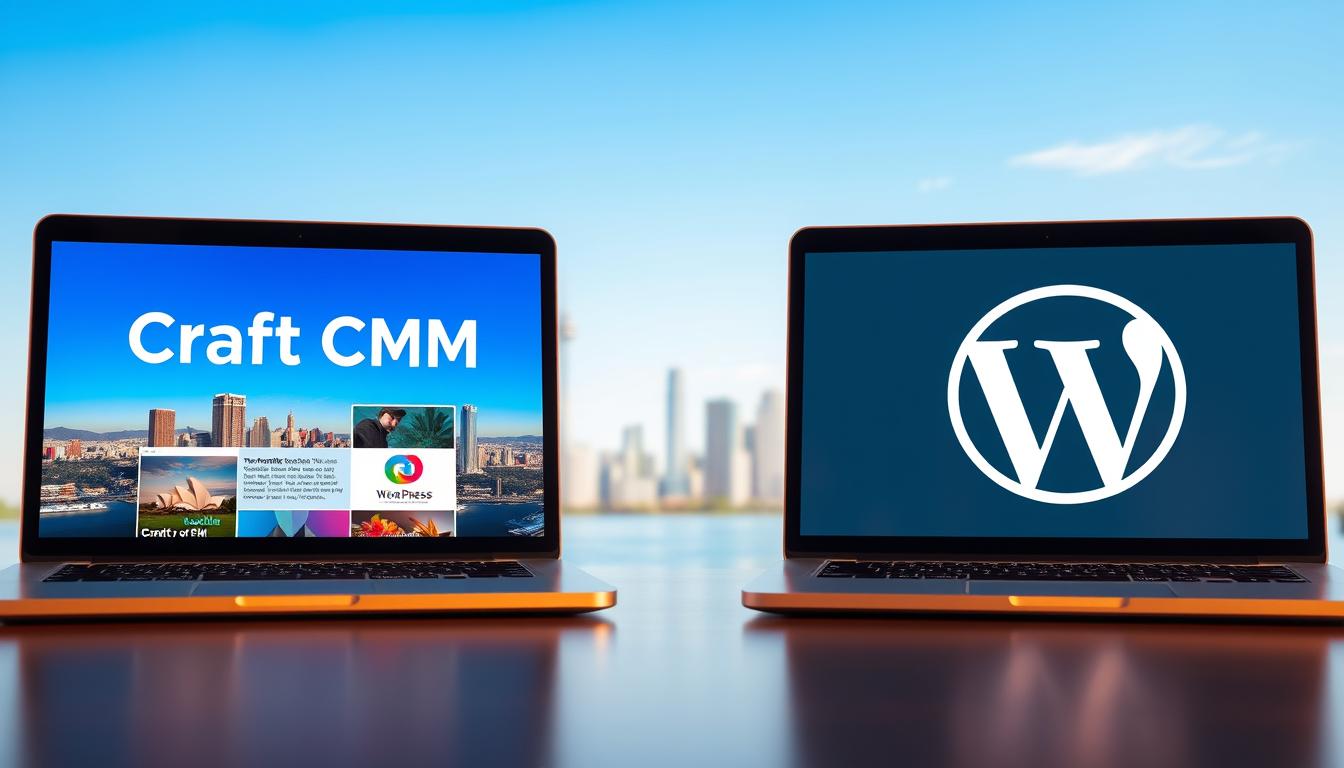
Table of Content


-
Author

-
Published
23 Dec 2025
-
Reading Time
11 mins
Remember that feeling of staring at a blank canvas? That’s often what choosing a foundation for your digital presence feels like. It’s a decision that sits with you, shaping everything from your day-to-day management to your long-term ambitions. We understand that weight because we’ve been there too, helping Australian businesses navigate this very crossroads.
This isn’t just about picking software. It’s about selecting the right partner for your growth. Your website is your most vital digital asset, and the platform you build it on determines its strength, flexibility, and future. We’ve created this comprehensive guide to cut through the noise.
Our analysis draws on real-world data and local insights relevant to the Australian market. We’ll compare how these two powerful cms options serve different needs, from simple blogs to complex enterprise solutions. You’ll discover which system aligns with your technical skills, budget, and vision.
By the end, you’ll have the clarity and confidence to make an informed choice that truly supports your business goals.
Key Takeaways
- Choosing the right content management system is a critical decision that impacts your site’s functionality, security, and scalability.
- This comparison is tailored for Australian businesses, considering local hosting and developer support.
- We evaluate both platforms against factors like technical capability, budget, and long-term growth objectives.
- The analysis helps you determine the best fit for various project types, from blogs to e-commerce stores.
- Understanding the core differences empowers you to build a digital presence that grows with your business.
Introduction and Overview
Two decades of innovation have reshaped the way organisations build and manage their websites, moving from basic blogs to complex digital ecosystems. This evolution reflects the growing demands of businesses seeking robust online presence.
Background of CMS Evolution
The journey began with simple publishing tools designed for writers. One popular system started in 2003 as a dedicated blogging platform, offering content creators an accessible way to share their work online.
By 2010, significant updates transformed this system into a full-featured content management solution. The introduction of custom content types expanded its capabilities beyond basic publishing.
Today, this platform commands an impressive 43% market share globally. However, developer surveys revealed interesting satisfaction gaps despite this dominance.
A modern alternative emerged in 2013, designed specifically as a flexible content management solution from inception. This system now powers over 40,000 websites worldwide.
Purpose of This Comprehensive Comparison
We’re creating this analysis to help Australian businesses look beyond surface-level statistics. Our goal is to provide honest insights into which platform truly aligns with your specific needs.
This comparison considers technical capabilities, growth potential, and real-world application scenarios. We focus on helping you make an informed decision for your digital future.
Understanding Craft CMS
Modern businesses require content management solutions that adapt to their specific needs rather than forcing them into predefined templates. This system stands out by offering a blank canvas approach where your vision dictates the structure.
Unique features and flexibility for developers
We appreciate how this platform empowers technical teams with complete creative control. The Model-View-Controller architecture ensures clean, efficient code that only loads necessary components.
Built-in GraphQL and REST APIs provide seamless content delivery across multiple platforms. This headless capability means your content can power websites, mobile apps, and other digital channels simultaneously.
The intuitive interface simplifies content management for non-technical team members. Once configured, authors can easily create customisable blocks while maintaining front-end consistency.
| Feature Type | Core Strength | Developer Benefits | Content Creator Advantages |
|---|---|---|---|
| Architecture | MVC Framework | Clean code structure | Consistent content delivery |
| APIs | GraphQL & REST | Headless capabilities | Multi-platform publishing |
| Security | Granular permissions | Reduced vulnerability risks | Controlled access levels |
| Customisation | Flexible fields | Bespoke solutions | Tailored content structures |
Major brands like Netflix and Adidas trust this platform for enterprise-level requirements. With approximately 500 quality-focused plugins, it maintains a secure, stable ecosystem perfect for ambitious Australian businesses.
Craft CMS vs WordPress
Australian businesses face a critical decision that goes beyond surface-level comparisons of these two popular systems. We find the most telling differences emerge in their fundamental approaches to extensibility, security, and performance.
Key differences at a glance
The plugin ecosystem presents the most dramatic contrast. One platform offers nearly 60,000 extensions while the other maintains a curated library of around 500 quality-focused options. This reflects completely different philosophies about website development and security.
Security statistics reveal significant vulnerability gaps. Historical data shows that 90% of compromised content management systems belonged to one platform. In a single 36-hour period, millions of sites experienced attacks.
Performance differences are equally substantial. Properly developed sites using the curated platform routinely achieve perfect scores on Google’s PageSpeed Tool. The extensive-plugin approach often requires additional optimisation to reach competitive speeds.
Pricing models also differ fundamentally. The curated system requires an upfront licence fee with included support, while the extensive system appears free but accumulates costs through hosting, premium themes, and essential plugins.
We observe that each platform serves distinct purposes. One excels in rapid deployment with pre-built solutions, while the other shines for bespoke functionality and enhanced security requirements.
Exploring WordPress Features
One platform’s strength comes from its massive community-driven marketplace of design and functionality options. This ecosystem allows businesses to rapidly deploy professional websites without extensive technical expertise.
We appreciate how the extensive library of themes transforms website appearance instantly. Both free and premium options cater to diverse needs, from simple blogs to sophisticated corporate designs.

The plugin market contains thousands of extensions covering virtually every imaginable functionality. Popular tools like Yoast SEO and WooCommerce provide powerful features for search optimisation and e-commerce solutions.
This platform offers a user-friendly interface that experienced users find intuitive. The dashboard provides seamless content management accessible to team members regardless of technical skill level.
Scalability remains a key advantage, supporting everything from personal blogs to large enterprise websites. The combination of themes and plugins creates unprecedented customisation richness for Australian businesses.
User Interface and Usability Comparison
The moment your team logs into your website’s backend determines their daily productivity and satisfaction. We find this aspect crucial for Australian businesses evaluating content management solutions.
Interface design directly impacts how efficiently your organisation handles digital content. A well-designed control panel should feel like an extension of your workflow rather than an obstacle.
Dashboard design and control panel usability
One system features a clean, minimalist interface that adapts to your specific content structure. The platform presents only relevant fields and options for each content type.
This approach eliminates clutter and focuses on what matters most for your website’s unique needs. Even non-technical users find the management experience intuitive once configured.
Many agencies report that their comprehensive tutorials often go unused because the interface proves self-explanatory. The system doesn’t assume it knows what your site wants to be.
Ease of navigation and user experience
The alternative platform offers immediate familiarity through its consistent dashboard layout. Experienced users navigate the left-side menu intuitively for basic content tasks.
However, the interface can feel constraining for complex websites. Its blogging heritage means every page is fundamentally treated like an article.
This approach doesn’t always align with diverse content types required by modern businesses. User experience differs significantly between these solutions.
Your choice often comes down to prioritising immediate usability with standardised interfaces versus long-term efficiency with customised workflows. We observe that content editors typically report higher satisfaction with tailored management experiences.
Performance, Security and SEO Analysis
Three critical pillars support every successful online presence: speed, protection, and discoverability. We examine how both platforms handle these essential factors that determine your website‘s effectiveness.
Site speed, caching and optimisation techniques
Research shows 40% of users abandon sites taking longer than three seconds to load. One system achieves superior performance through its MVC architecture, delivering only necessary components.
Properly developed sites routinely score perfect 100 ratings on Google’s PageSpeed Tool. The alternative platform’s performance varies significantly with hosting quality and plugin choices.
Security measures and SEO tool effectiveness
Security differences are stark: 90% of hacked content management systems in 2018 used one platform. The other implements robust measures including PDO for database queries and private key validation.
For SEO capabilities, one platform offers an advanced plugin providing automatic metadata rendering. The alternative dominates with its popular SEO plugin providing comprehensive optimisation tools.
Both systems can achieve excellent results when properly configured. Your choice depends on whether you prioritise built-in efficiency or extensive plugin options.
Content Creation and Management Insights
How your team creates and manages content determines whether your digital presence thrives or merely survives. We see this as the heart of effective content management—where workflow efficiency meets creative freedom.
Custom content modelling and workflow efficiency
One platform provides exceptional flexibility through custom content modelling. Developers can design complex layouts using matrix fields without third-party plugins.
This approach gives content authors structured freedom while ensuring front-end consistency. The system adapts to your specific needs rather than forcing predefined structures.
Real-world implementations demonstrate impressive scalability. One project managed 10,000+ entries and 400,000+ users with daily growth of 20 articles.
The alternative platform prioritises simplicity with an intuitive dashboard. It enables quick content creation through standardised post structures and numerous publishing plugins.
We find the choice depends on your content complexity. Organisations with specialised workflows benefit from custom modelling, while straightforward needs may prefer immediate simplicity.
Expert Advice for Craft CMS Customisation
Even the most flexible platforms can present unexpected challenges during implementation. We often see businesses encounter hurdles when their development team lacks specific platform expertise.

When to Seek Professional Guidance
This system’s powerful architecture empowers developers to create bespoke solutions. The Model-View-Controller framework allows for custom modules and seamless API integrations.
However, this flexibility requires specialised knowledge. Projects can become complex without proper planning and execution.
| Customisation Aspect | Common Challenges | Expert Solutions | Business Impact |
|---|---|---|---|
| Content Modelling | Complex field structures | Streamlined workflows | Efficient content management |
| API Integrations | Third-party connectivity | Seamless data exchange | Unified system operations |
| Performance Optimisation | Slow page loads | Enhanced speed solutions | Better user experience |
| Security Configuration | Vulnerability risks | Robust protection measures | Data safety assurance |
If your current developer struggles with customisation, professional support can resolve issues quickly. Our team complements your existing resources with specialised platform knowledge.
Contact hello@defyn.com.au for guidance tailored to your specific needs. We help Australian businesses overcome technical obstacles and achieve their digital goals.
Conclusion
Making the final choice requires weighing your immediate needs against future growth. We’ve seen that one platform excels with its vast ecosystem, making it ideal for many businesses seeking affordability and a wide range of functions.
The other system stands out for projects demanding superior security and deep flexibility for developers. There is no single winner; the best website foundation depends entirely on your project‘s unique goals.
Consider your team’s skills, budget, and long-term vision. Both platforms can power outstanding sites when matched correctly to your ambitions. Your ideal web solution is the one that supports your success.
FAQ
Which platform is better for a business with specific content management needs?
How do the security features compare between the two systems?
I need strong SEO tools. Which platform should I choose?
Is Craft CMS a good option if my team has no web development experience?
What about the long-term cost of ownership for each platform?
Can I migrate an existing website from WordPress to Craft CMS?
Insights
The latest from our knowledge base